
Advertisement
Click to download now, finish the installation quickly, and directly unlock the all-round experience
Advertisement
Screenshots





Click to download now, finish the installation quickly, and directly unlock the all-round experience
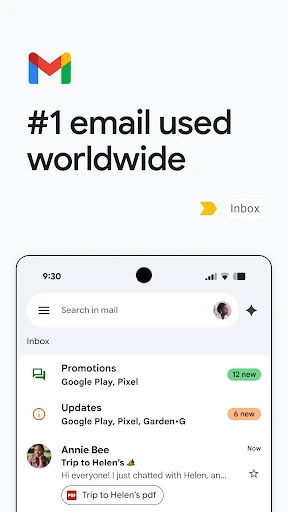
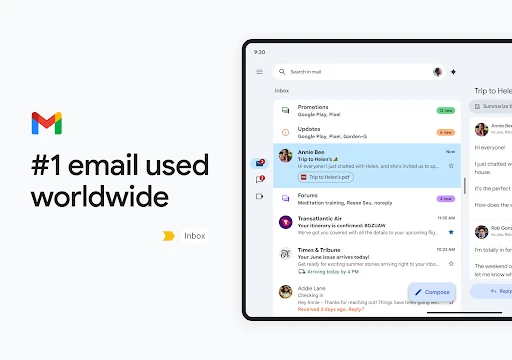
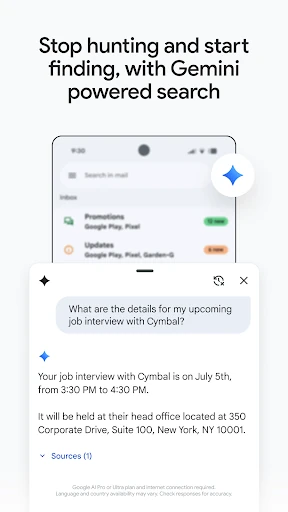
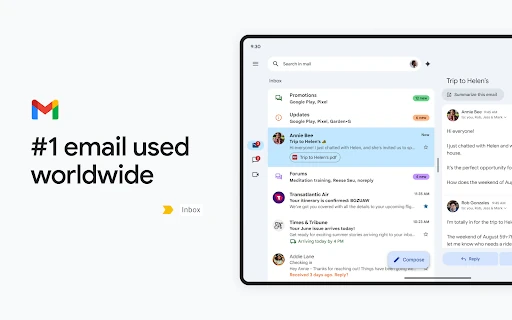
Gmail is Google’s email app for reading, sending and organising messages on Android. It suits people managing a personal inbox, several accounts or a busy work mailbox, with search and conversation views designed to help you find messages without scrolling through every thread.
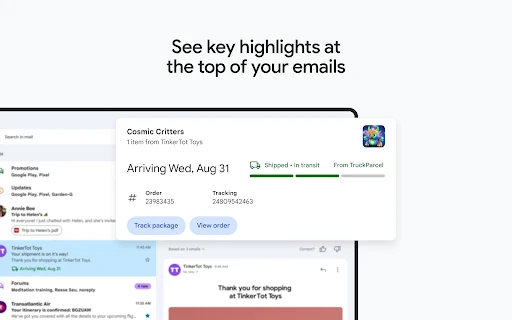
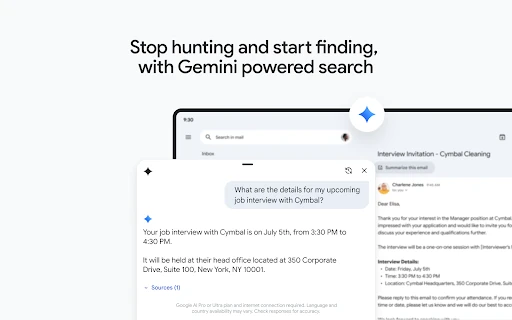
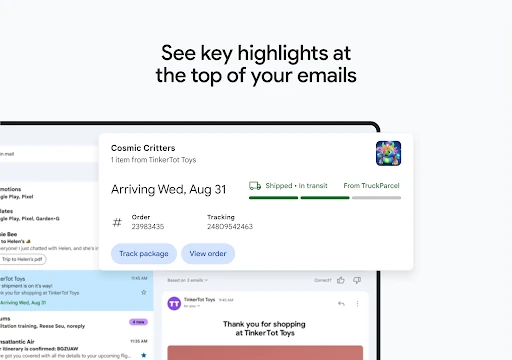
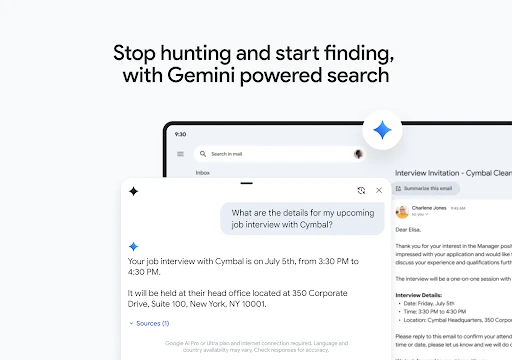
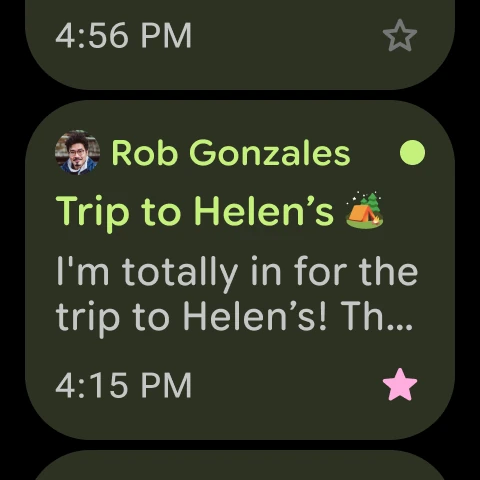
The app groups related replies into conversations and supports practical inbox actions such as archiving, deleting, marking messages and managing spam. Search can narrow results by words, senders and other message details, which is useful when looking for older mail, attachments or a specific exchange. Gmail also highlights some time-sensitive information, such as travel and delivery updates, when those details are present in messages.
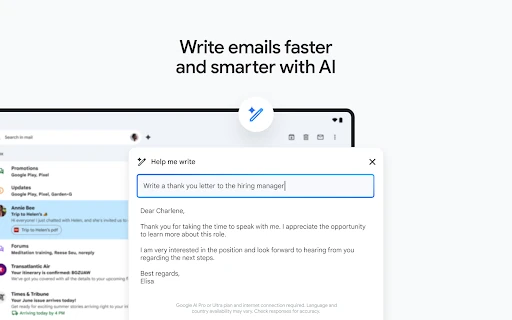
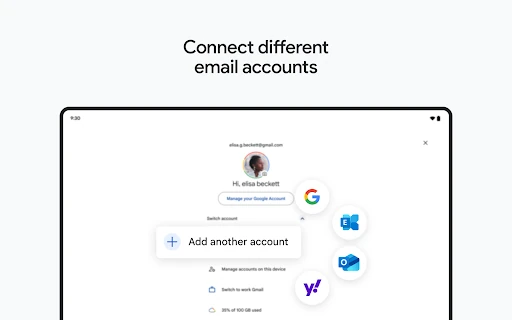
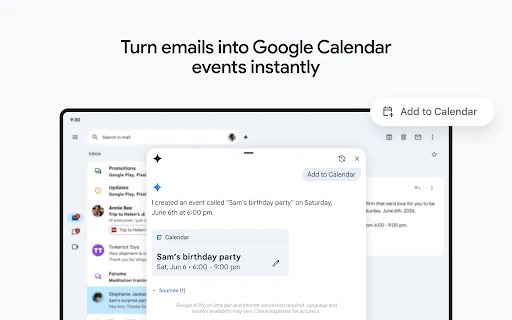
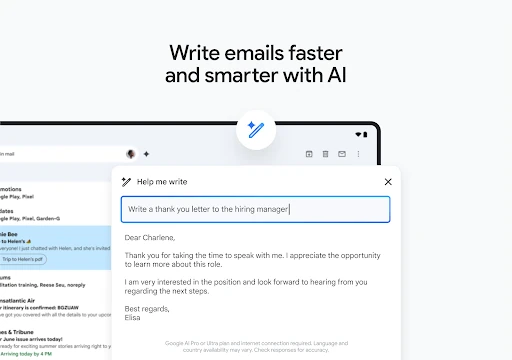
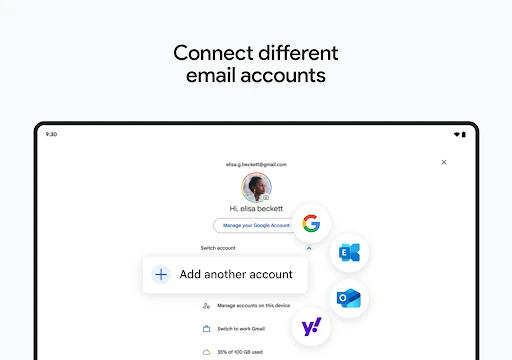
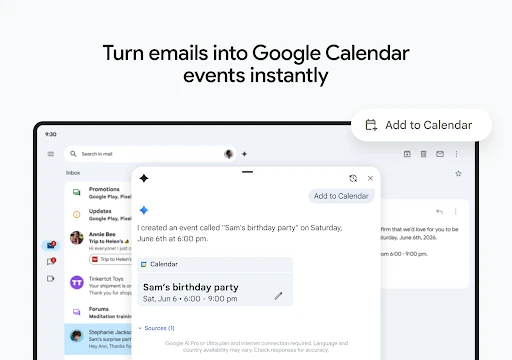
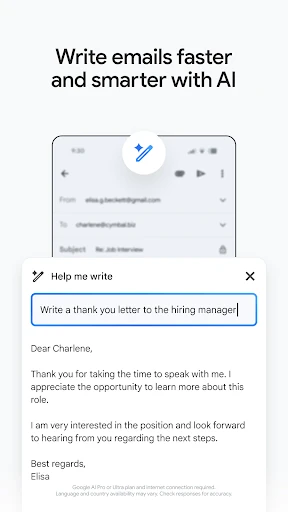
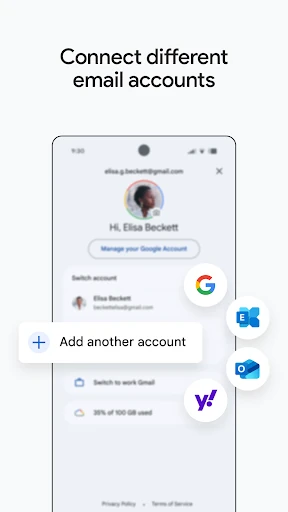
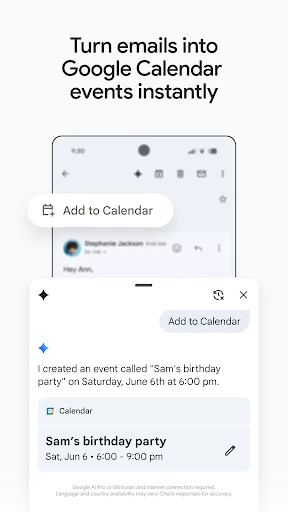
Gmail works alongside Google services including Calendar, Meet and Chat, making it easier to move from an email to a meeting or conversation. Writing assistance and suggested replies can help with short responses, while multiple-account support keeps different inboxes accessible from one app. Notifications and inbox controls can be adjusted to reduce interruptions and focus attention on important mail.
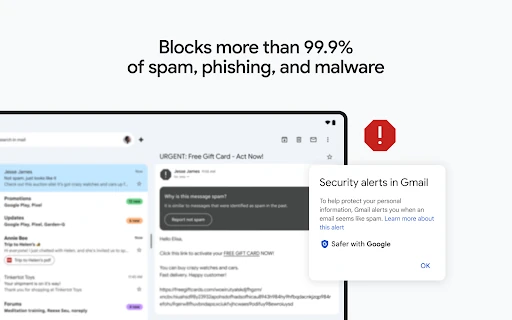
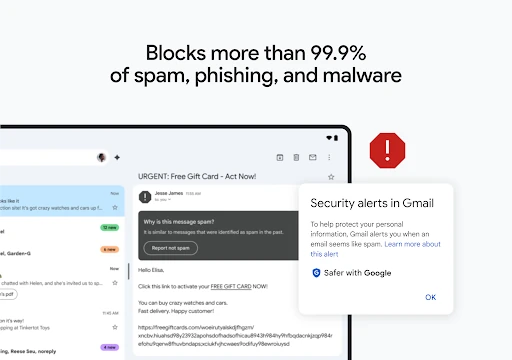
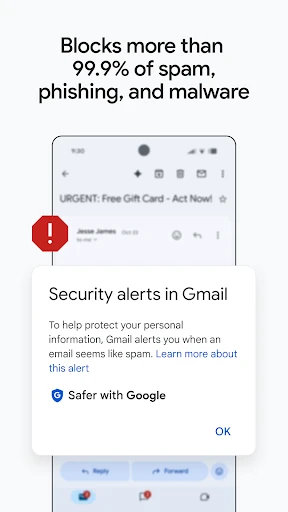
Spam and phishing filtering is a central part of Gmail’s design, helping separate suspicious messages from legitimate correspondence. The app is developed by Google LLC and listed in the Communication category. It has a 4.114306 rating from more than 14.1 million reviews, with 10,000,000,000+ installs. The listed package name is com.google.android.gm.