Advertisement
Click to download now, finish the installation quickly, and directly unlock the all-round experience
Advertisement
Screenshots
Click to download now, finish the installation quickly, and directly unlock the all-round experience
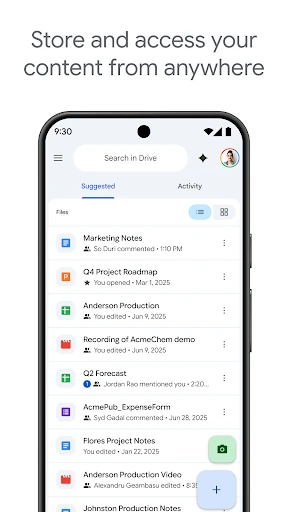
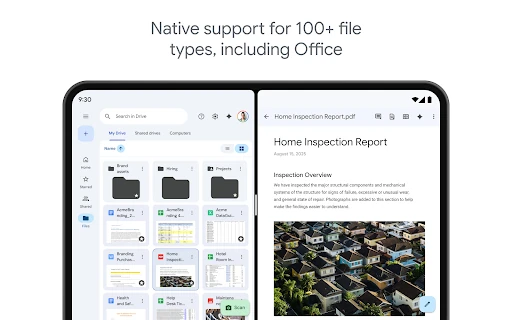
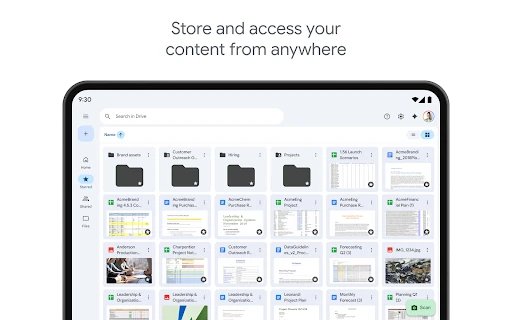
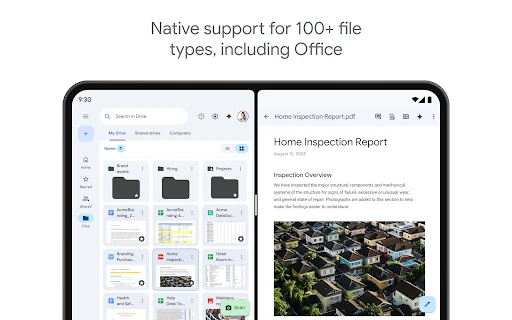
Google Drive is a productivity app for storing, organizing, finding and sharing files from an Android device. It suits students, office teams and anyone who works across phones, tablets and computers. Files can include documents, spreadsheets, presentations, PDFs, photos and videos, with support for common Microsoft Office formats as well.
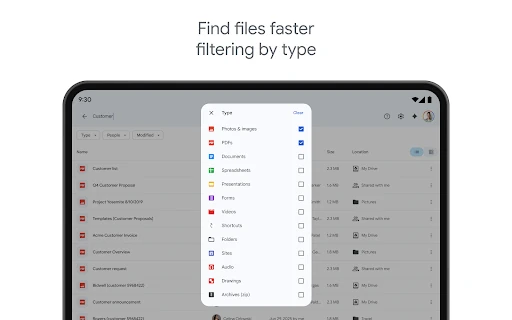
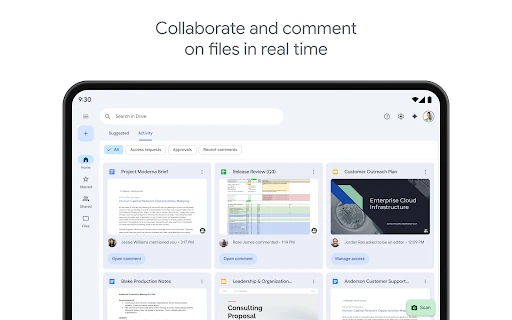
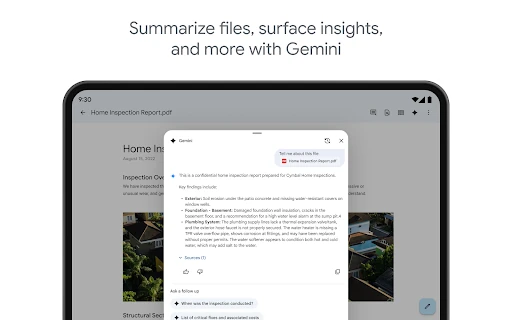
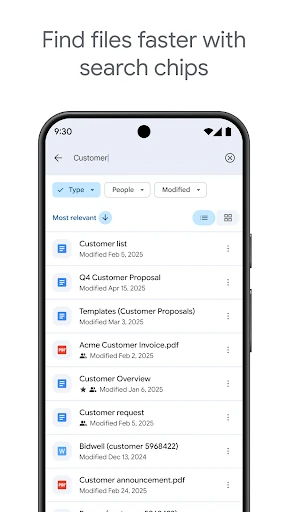
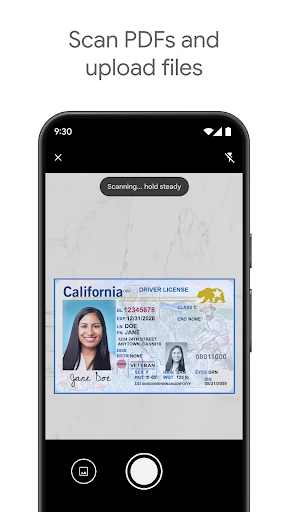
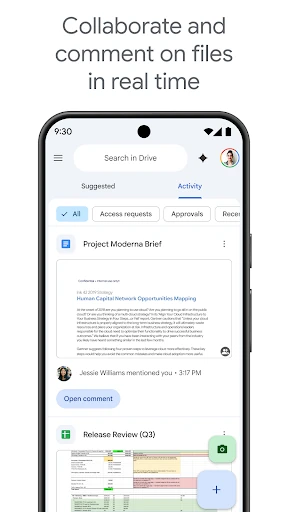
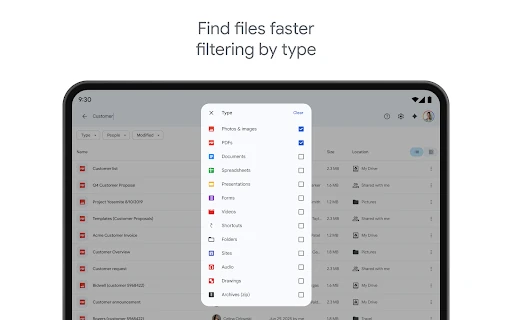
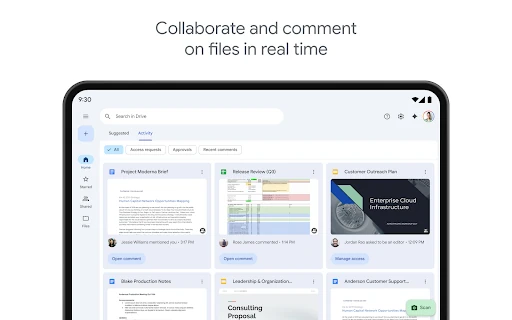
Drive brings file management together with Google’s wider productivity services. You can open content in Google Docs, Sheets or Slides, share individual files or folders, and control whether other people can view, comment or edit. Search helps locate files by name and can narrow results by type or recent activity. A camera-based scanning tool is also available for turning paper documents into digital files.
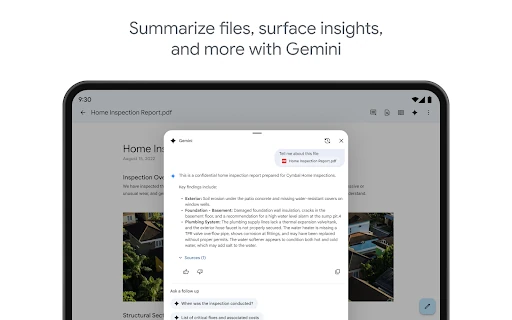
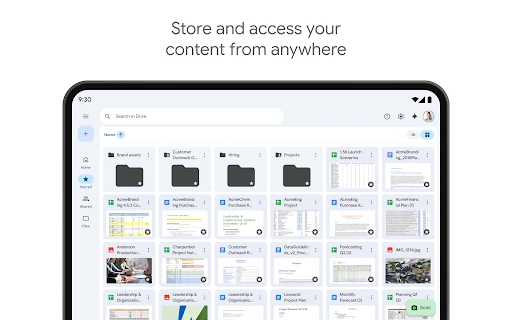
The app is particularly useful for people already using Google Workspace. Changes made to shared documents can be coordinated with other users, while recent files and suggested content make frequently used items easier to reach. On larger screens, Drive supports a more practical workspace for reviewing files and moving content between apps.
Google Drive is published by Google LLC under the Productivity category. It holds a 4.28/5 rating from more than 10.6 million reviews and has recorded 10 billion+ installs. The listed package is com.google.android.apps.docs. These details identify the official app record and distinguish it from similarly named file-management tools.