Advertisement
Click to download now, finish the installation quickly, and directly unlock the all-round experience
Advertisement
Screenshots
Click to download now, finish the installation quickly, and directly unlock the all-round experience
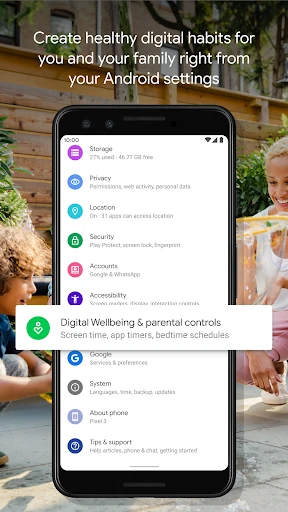
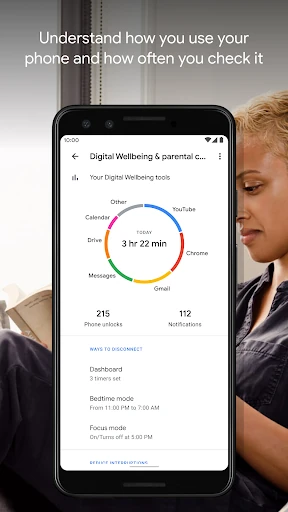
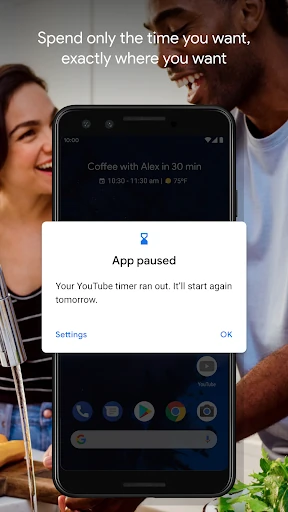
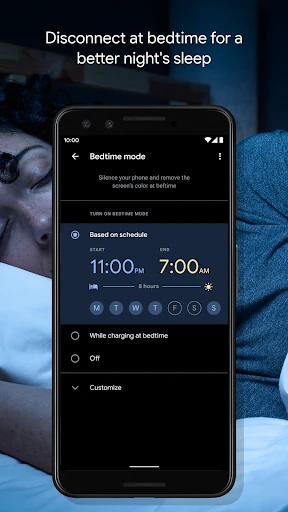
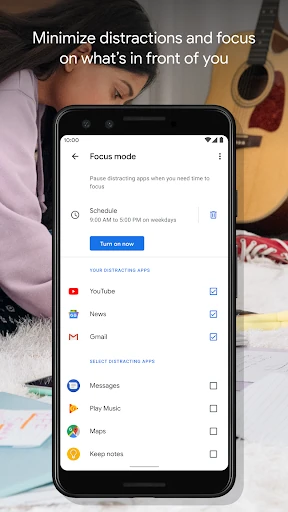
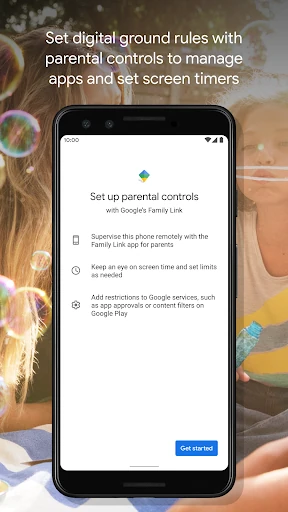
Digital Wellbeing is Google’s Android tool for seeing and managing device use. It shows how often you open apps, how many notifications you receive and how frequently you unlock your phone. This makes it useful for anyone who wants a clearer picture of daily screen habits, including students, families and people trying to reduce time spent in distracting apps.
This is a practical choice for Android users who prefer built-in controls instead of a separate habit-tracking service. Its system-level approach keeps usage information close to the rest of the phone’s settings, while the straightforward reports make common patterns easy to understand. The controls can help create boundaries, although they are designed to guide behavior rather than make those boundaries impossible to bypass.
Digital Wellbeing is developed by Google LLC and listed in the Tools category under package com.google.android.apps.wellbeing. It has a rating of 3.55 from more than 1.36 million reviews, with 5 billion-plus installs. That reach reflects its close connection to the Android ecosystem, while the moderate rating suggests that usefulness can vary depending on a user’s device and expectations.