Advertisement
Click to download now, finish the installation quickly, and directly unlock the all-round experience
Advertisement
Screenshots
Click to download now, finish the installation quickly, and directly unlock the all-round experience
Google Family Link helps parents and guardians manage how children use compatible Android devices and selected Google services. It suits families who want practical limits around screen time, apps, online content and account settings without managing every part of a child’s device manually.
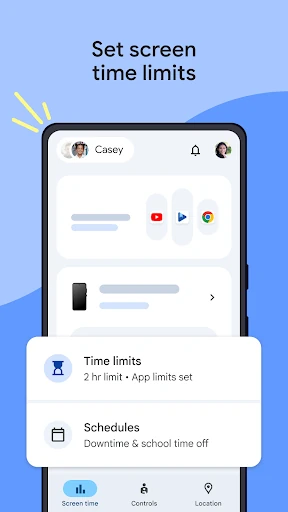
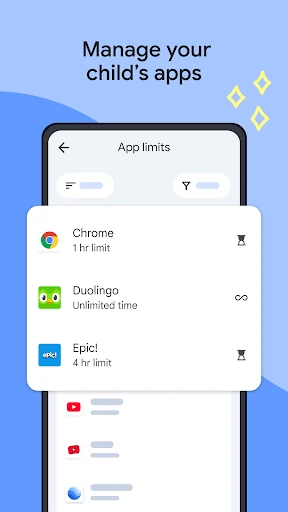
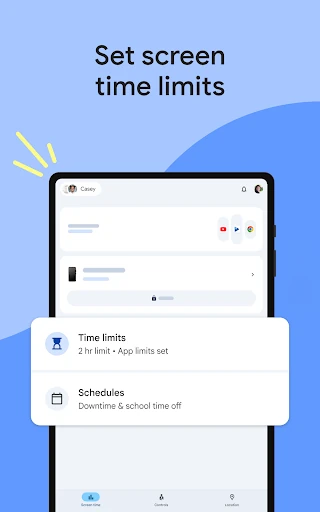
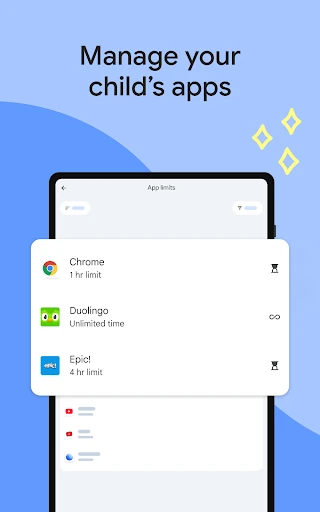
You can create daily screen-time limits, schedule school time and downtime, and apply separate time limits to individual apps. Family Link also lets you block apps or allow extra time for educational and frequently used apps. Parents can review how much time a child spends on their device to support clearer household rules.
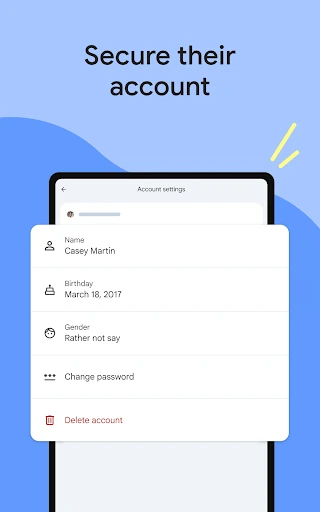
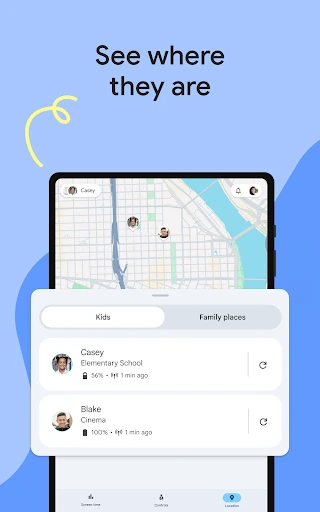
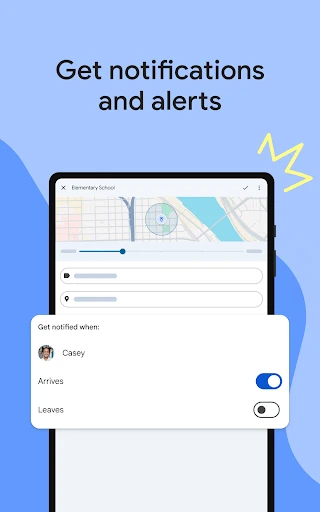
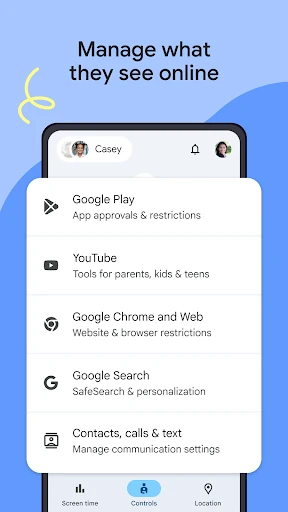
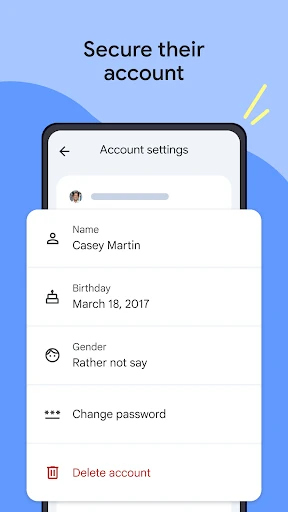
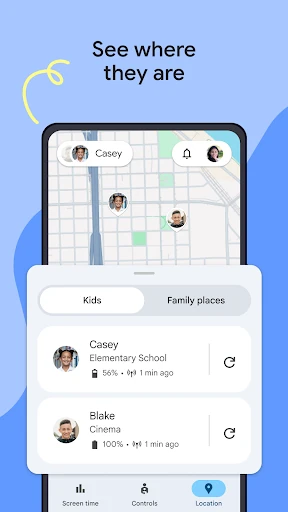
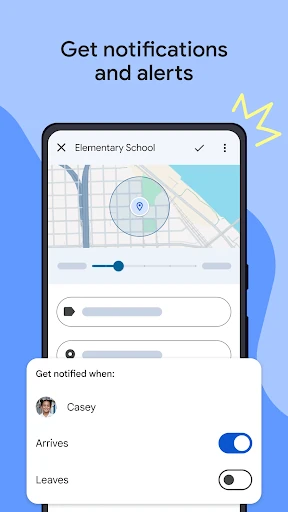
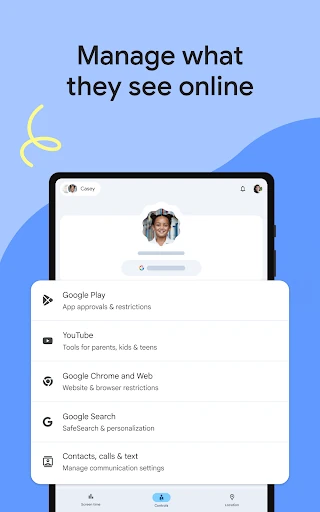
The app provides controls for areas such as Chrome, Google Play, YouTube and Search. Depending on the service and device, parents can filter content, approve new app downloads, manage permissions and adjust account or privacy settings. Family Link can also show a child’s device location when the device is being carried, ring it, display its remaining battery and send alerts for selected arrivals or departures.
Available controls vary by the child’s device and the Google services in use. Some account features also depend on the child’s age and applicable settings. Family Link is best understood as a set of supervision tools for building digital routines, rather than a complete replacement for conversations about safe and responsible technology use.