Android Accessibility Suite
Google LLC
Downloads
10,000,000,000+
Source
Google Play
Advertisement
Click to download now, finish the installation quickly, and directly unlock the all-round experience
Advertisement
Screenshots
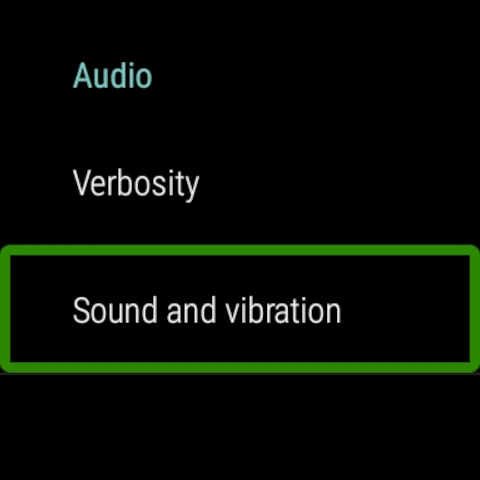
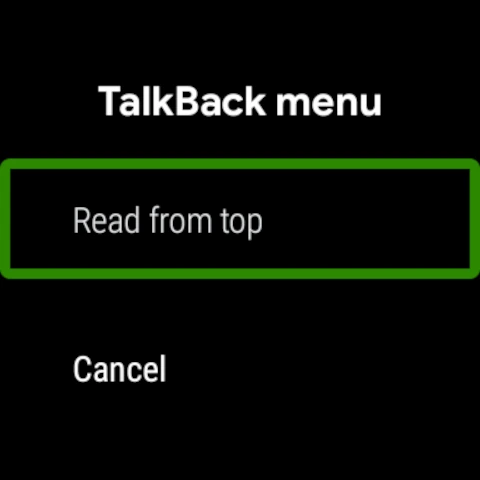
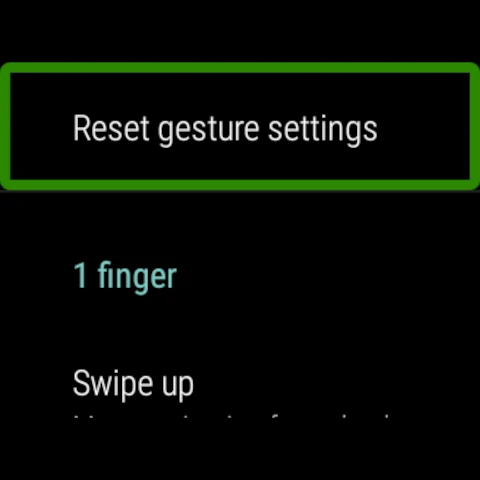
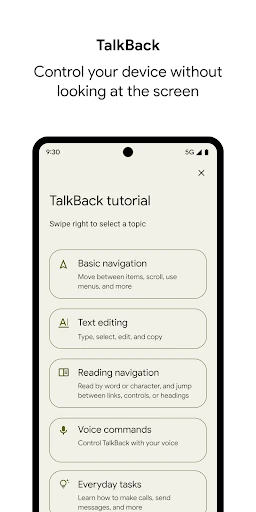
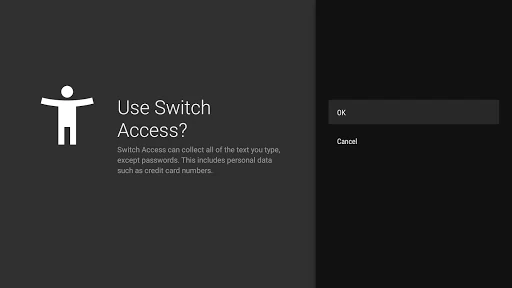
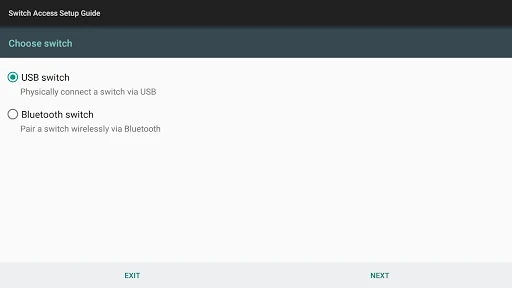
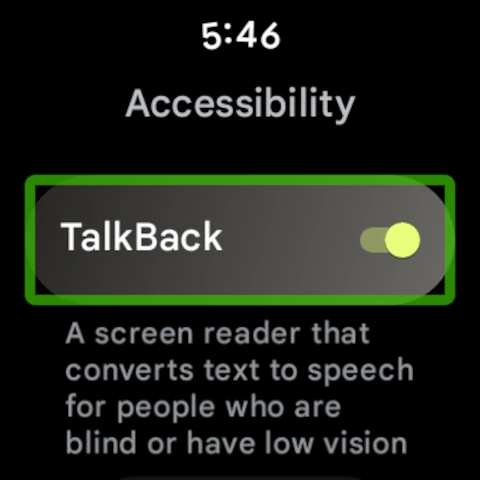
Click to download now, finish the installation quickly, and directly unlock the all-round experience
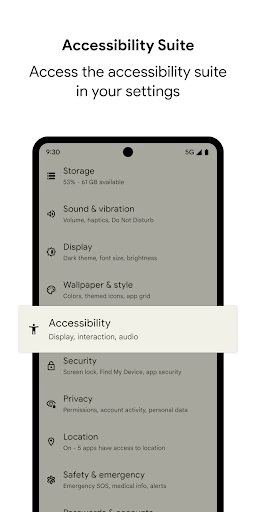
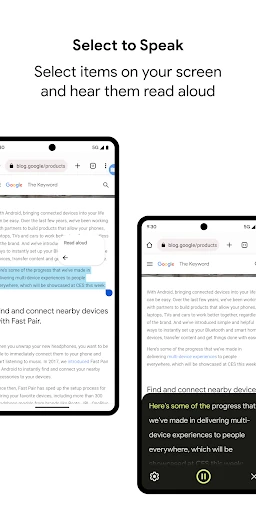
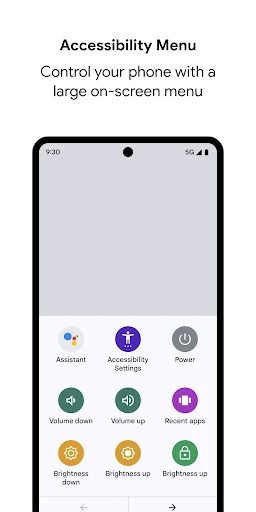
Android Accessibility Suite is a collection of built-in support tools for people who are blind, have low vision, or need simpler ways to control a touchscreen. It is developed by Google LLC and listed in the Tools category. The suite is designed to make common Android tasks easier to hear, read, select, and operate without relying entirely on standard touch interactions.
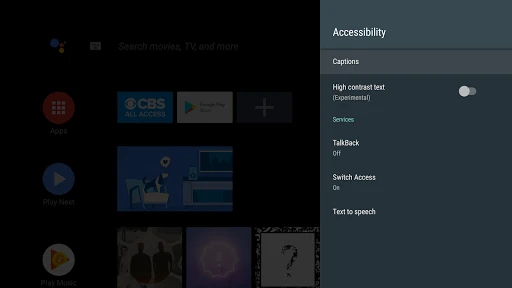
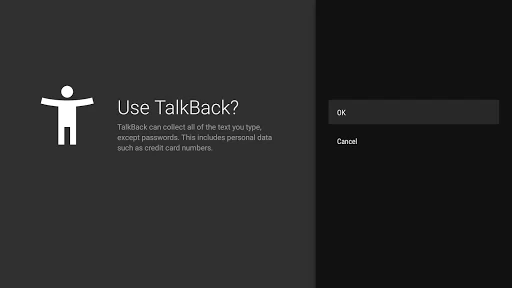
This suite is most useful for Android users with visual or motor impairments, but it can also help anyone who benefits from spoken content, larger controls, or alternative input methods. TalkBack uses gestures and spoken guidance, so new users may need time to learn its navigation system. Once configured, the tools work alongside the wider Android interface rather than replacing ordinary apps.
Android Accessibility Suite has a 4.03 rating from more than 4.29 million reviews and records 10 billion-plus installs. Those figures reflect its broad distribution across Android devices. As a system-focused accessibility tool, its value comes from practical assistance and close integration with Android’s core controls rather than from entertainment features or visual design.