Advertisement
Click to download now, finish the installation quickly, and directly unlock the all-round experience
Advertisement
Screenshots
Click to download now, finish the installation quickly, and directly unlock the all-round experience
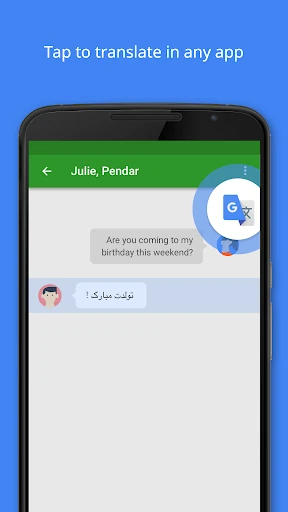
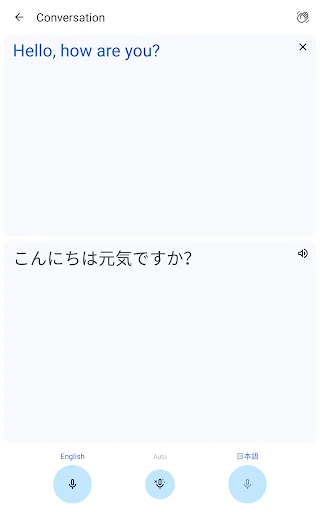
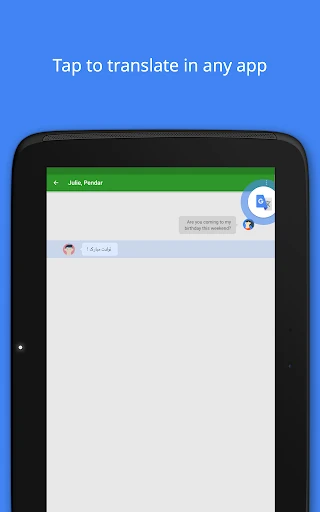
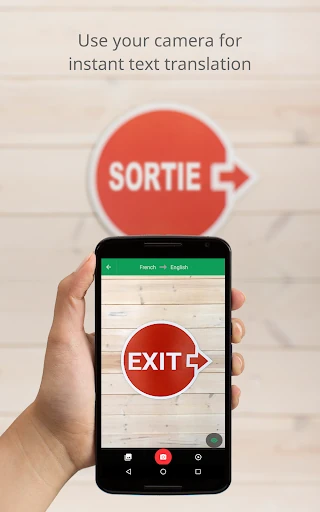
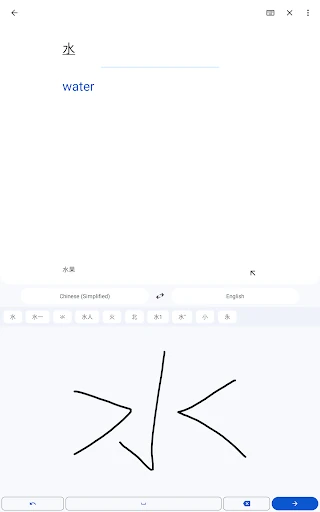
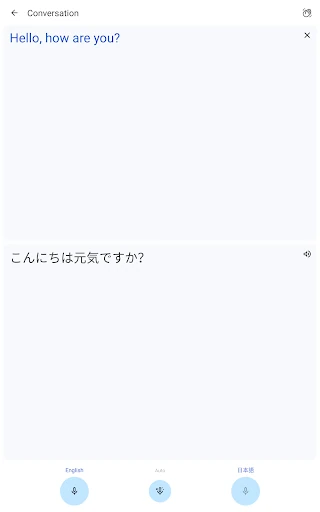
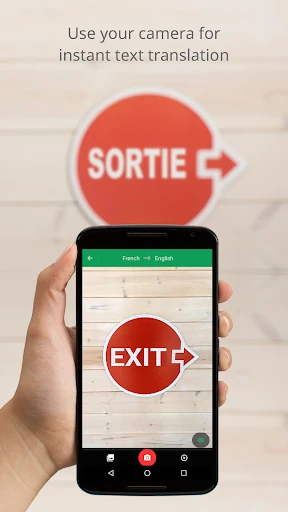
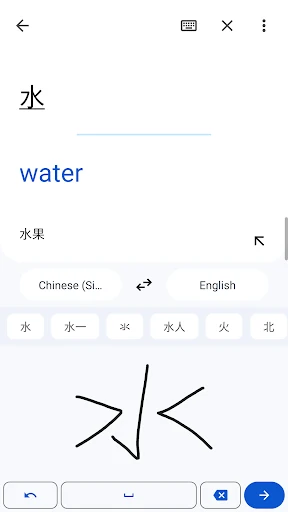
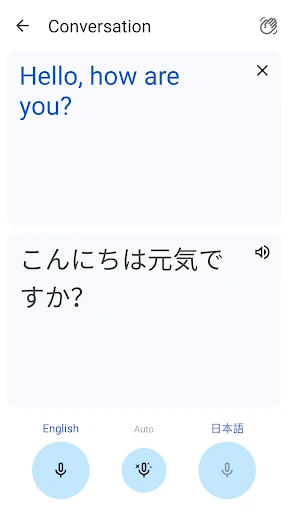
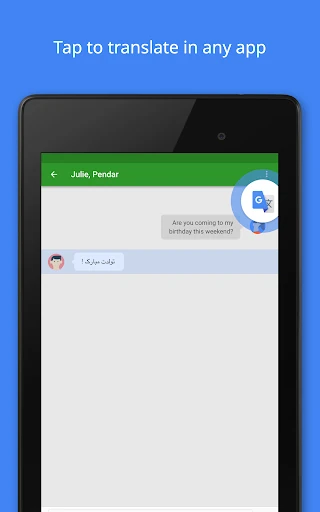
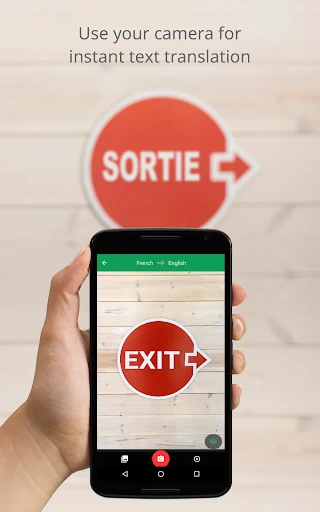
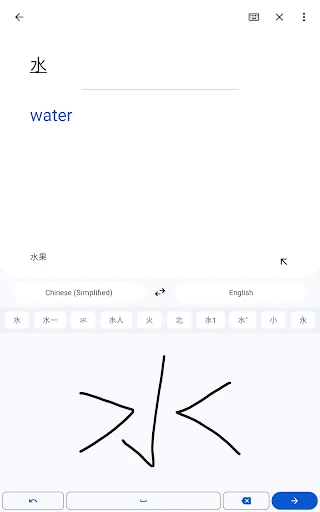
Google Translate helps travelers, students, workers, and multilingual households understand and communicate across languages. You can enter text, speak into the microphone, draw handwritten characters, or use the camera to translate words found on signs, menus, documents, and other images. The app is made for quick answers, but it also supports longer conversations and spoken passages.
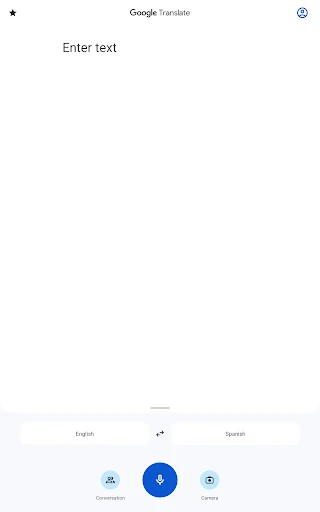
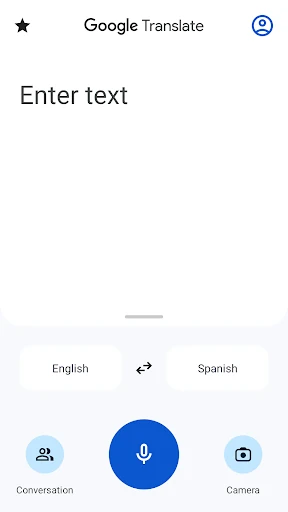
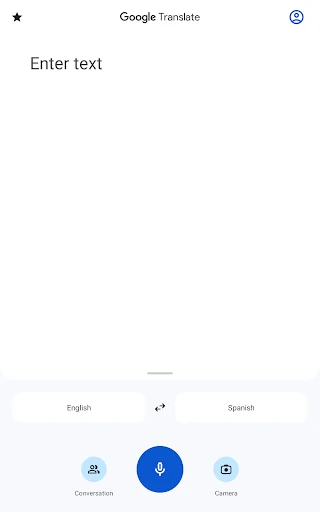
The main screen keeps language selection, text entry, microphone access, camera tools, and the swap button close at hand. That makes it practical when you need to read a foreign sign, check a phrase, or respond to a message quickly. Different modes are separated clearly, so switching from typed translation to speech or camera input does not require learning a complicated workflow.
Google Translate is published by Google LLC in the Tools category. It holds a 4.27/5 rating from more than 9 million reviews and has recorded 1,000,000,000+ installs. Its broad language coverage and mix of text, voice, image, and offline tools make it a suitable general-purpose choice, while travelers should download needed offline languages before leaving a reliable connection.