Microsoft Outlook
Microsoft Corporation
Downloads
1,000,000,000+
Version
Latest
Advertisement
Click to download now, finish the installation quickly, and directly unlock the all-round experience
Advertisement
Screenshots

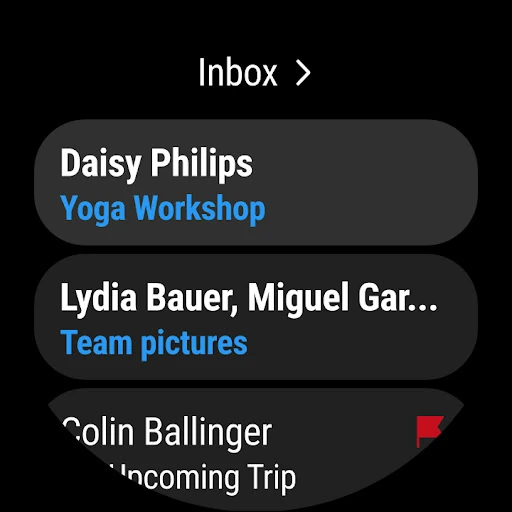
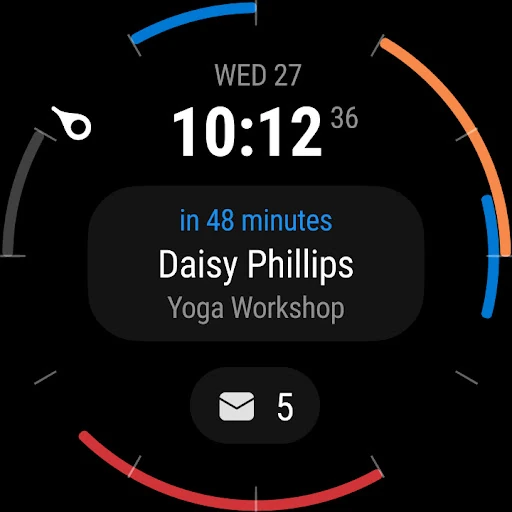
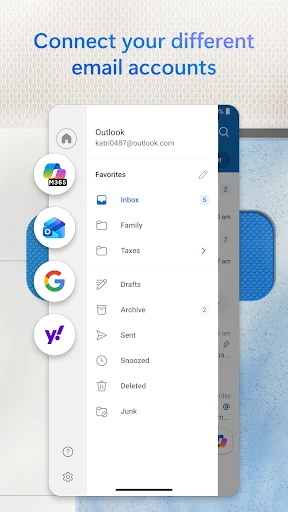
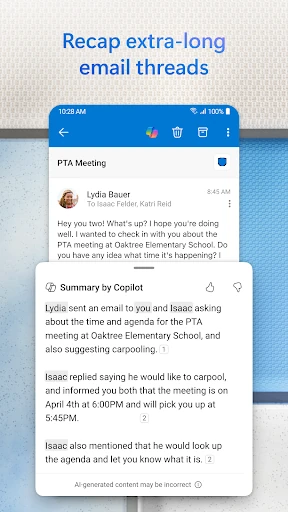
Click to download now, finish the installation quickly, and directly unlock the all-round experience
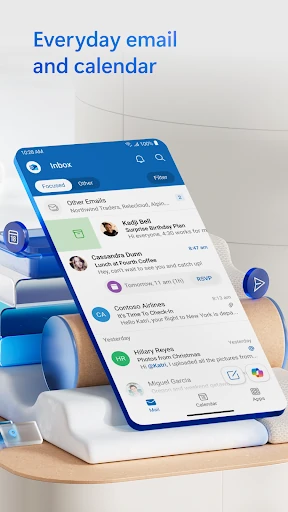
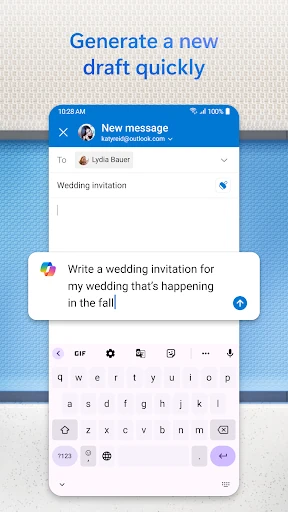
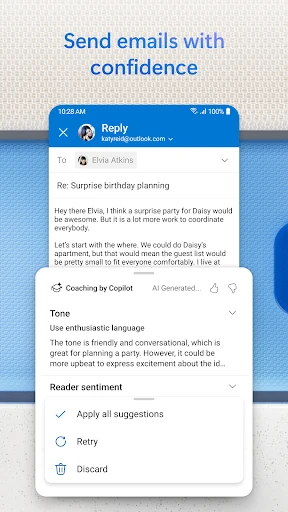
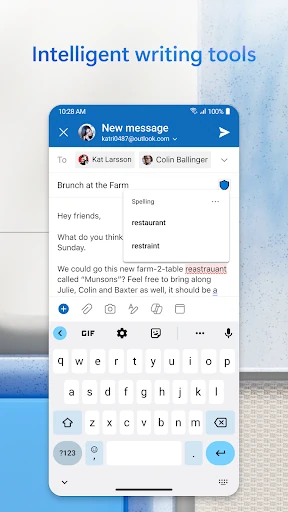
Microsoft Outlook is a mobile email and calendar app for people who manage work, personal, or multiple online accounts from one place. It supports Microsoft email services alongside accounts such as Gmail, Yahoo Mail, and iCloud, giving users a single view for messages, schedules, and contacts. The app suits office workers, students, and anyone who wants email and appointments together rather than split across several apps.
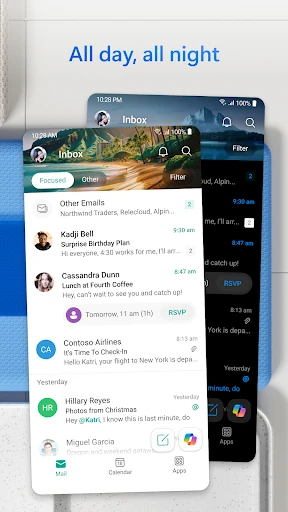
Outlook brings messages from different accounts into one inbox while keeping account settings and folders available for more focused organisation. Its Focused Inbox separates priority messages from less urgent mail, which can make busy inboxes easier to scan. Swipe actions help with routine tasks such as archiving, deleting, flagging, or snoozing messages, while search provides a way to find older conversations and files.
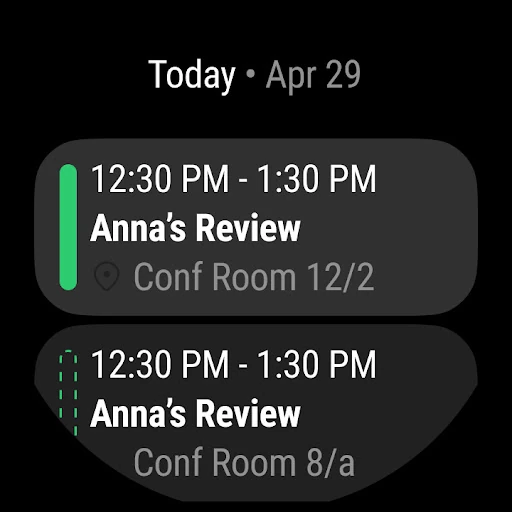
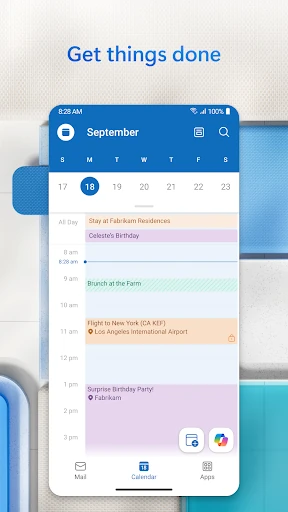
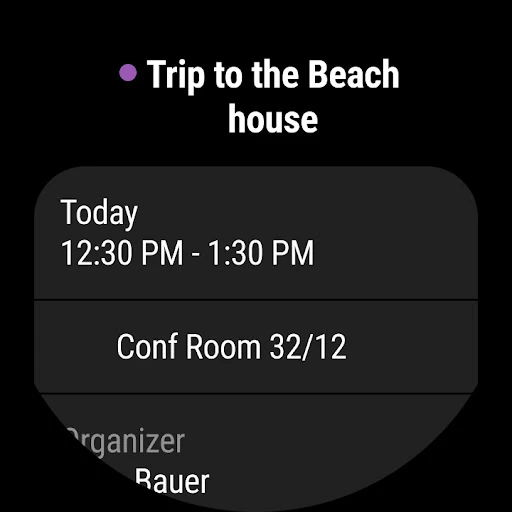
The calendar is built into the same app, so users can check availability, respond to invitations, and manage appointments without opening a separate calendar service. Meeting details can include links for supported services such as Microsoft Teams, Zoom, or Skype. Outlook also works closely with Microsoft 365 documents, letting users open and review Word, Excel, and PowerPoint files from messages when the relevant services are available on the device.
These figures place Microsoft Outlook among the most widely used productivity apps on Android. Its main value is the combination of multi-account email, scheduling, meeting access, and Microsoft document support in one mobile workspace.