Microsoft Designer
Microsoft Corporation
Downloads
1,000,000+
Source
Google Play
Advertisement
Click to download now, finish the installation quickly, and directly unlock the all-round experience
Advertisement
Screenshots
Click to download now, finish the installation quickly, and directly unlock the all-round experience
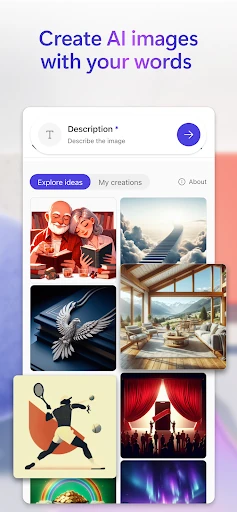
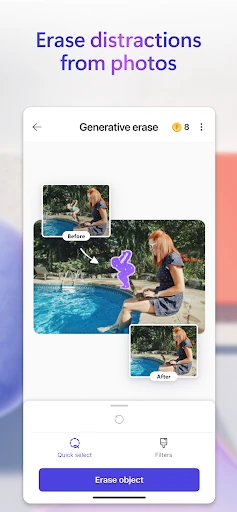
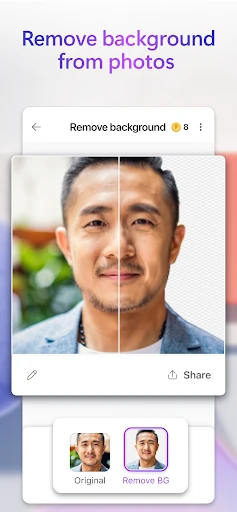
Microsoft Designer emerges as a formidable contender in the Art & Design landscape, positioning itself as a streamlined, AI-first alternative to traditional graphic suites. By leveraging sophisticated generative AI models, it shifts the creative burden from manual technical skill to conceptual intent. For the modern creator, it serves as a bridge between imagination and execution, offering a highly accessible entry point into the Microsoft ecosystem. Its strength lies in its ability to condense complex workflows—such as object removal and background blurring—into single-tap actions, making professional-grade aesthetics available to casual users and small business owners alike.
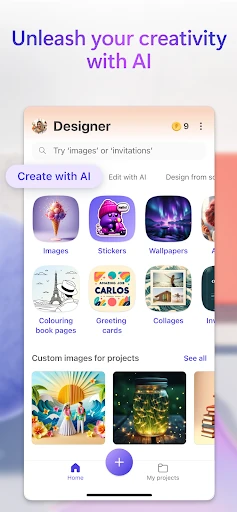
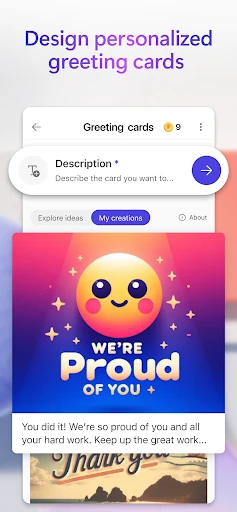
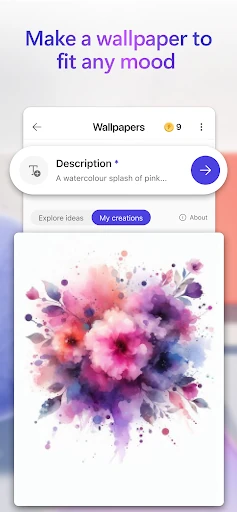
The user interface of Microsoft Designer reflects a modern, minimalist philosophy that prioritizes the "prompt" as the primary interaction method. Eschewing the cluttered toolbars found in legacy design software, the app focuses on a clean, canvas-first approach. The UX is designed for rapid iteration; users can move from a text prompt to a finished social post or greeting card in seconds. The navigation is intuitive, categorized by output type (stickers, wallpapers, posts), which helps users find specific tools without a steep learning curve. For the Art & Design category, this simplicity is a significant advantage, lowering the barrier to entry for non-designers while maintaining a high standard of visual output.
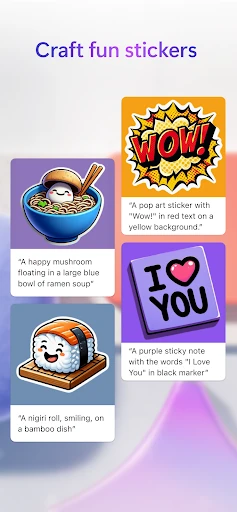
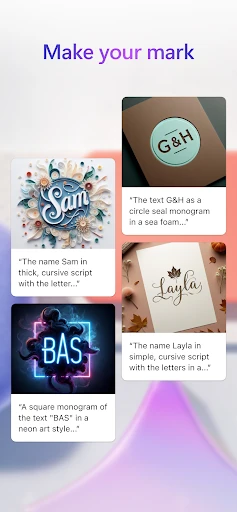
To further solidify its position, Microsoft Designer could benefit from the introduction of an offline mode for basic photo editing tasks that do not require generative AI. Additionally, adding support for vector (SVG) exports would be a massive upgrade for users looking to use their AI-generated icons or monograms in professional print settings. Finally, incorporating a "Style Consistency" toggle would help users generate multiple images (like a series of stickers or social posts) that maintain a uniform look and feel across a single project.
Microsoft Designer is an ideal tool for social media influencers, small business owners, and students who need high-quality visual content without the overhead of professional design training. It excels as a "creative companion" that handles the heavy lifting of image generation and photo retouching. While it may not replace high-end industry standards for professional illustrators, it is a top-tier recommendation for anyone looking to democratize their creative process and produce eye-catching designs on the go.