PhotoScan by Google Photos
Google LLC
Downloads
50,000,000+
Source
Google Play
Advertisement
Click to download now, finish the installation quickly, and directly unlock the all-round experience
Advertisement
Screenshots


Click to download now, finish the installation quickly, and directly unlock the all-round experience
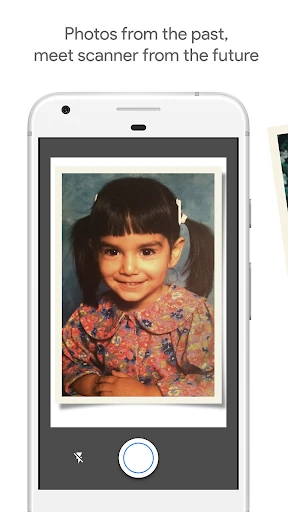
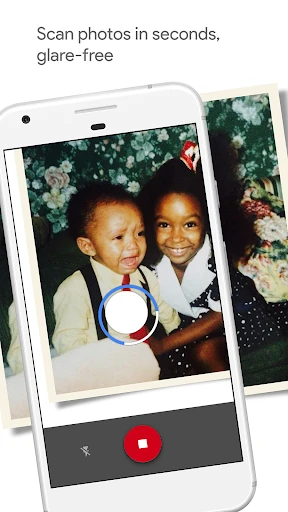
PhotoScan by Google Photos is a photography utility for people who want to preserve paper prints with an Android phone. It combines several phone-camera captures of the same photo to create a cleaner digital copy than a single snapshot usually can. The app suits anyone digitizing family albums, school pictures, postcards or other prints without using a flatbed scanner.
The capture process guides you through several viewpoints, helping reduce glare from glossy paper and limiting harsh reflections. PhotoScan also detects the edges of the print, corrects the angle and straightens the result into a rectangular image. Automatic rotation keeps scans facing the right way, so there is less manual cleanup after each capture.
The interface keeps the task centered on scanning rather than exposing a long list of camera controls. On-screen guidance shows where to move the phone, while the app processes the separate views into one finished image. That makes it approachable for users who want consistent results but do not need advanced photography settings.
PhotoScan by Google Photos is published by Google LLC under Photography. It has a rating of 4.08 from 204,069 reviews and has been listed with 50,000,000+ installs. Its package name is com.google.android.apps.photos.scanner, giving the listing a clear identity for users comparing the app with similar scanning tools.