
Advertisement
Click to download now, finish the installation quickly, and directly unlock the all-round experience
Advertisement
Screenshots
Click to download now, finish the installation quickly, and directly unlock the all-round experience
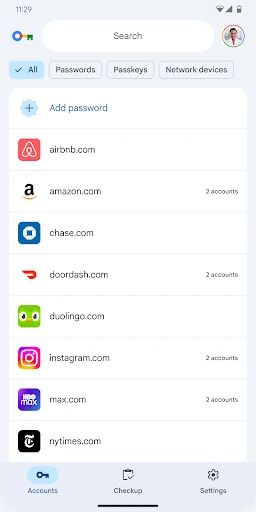
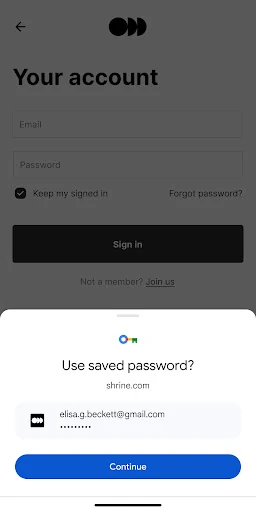
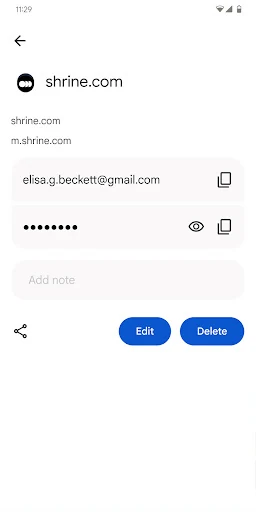
Google Password Manager helps Android users save, use and manage passwords and passkeys for apps and websites. It suits people who want sign-in details handled through their Google account instead of keeping credentials in a separate password app. Saved information can be used with Google services such as Chrome and with supported Android apps, reducing repeated typing during sign-in.
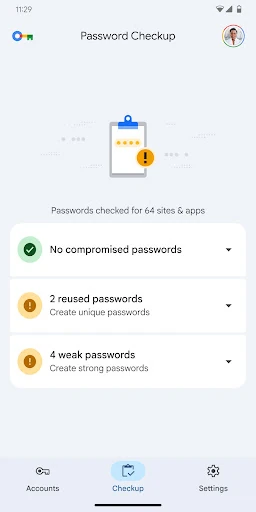
This is a practical choice for Android users already relying on Google and Chrome. It keeps everyday account access straightforward without requiring a separate password vault, while still giving users a way to check which credentials are stored. People who need extensive folder, tagging or sharing tools may prefer a dedicated password manager with more organization options.
Google Password Manager is listed in the Tools category and is developed by Google LLC. It has a user rating of 4.33 out of 5 from 6,595 reviews. The listing reports 1+ installs.